See It in Action
A clean, powerful subscription tracker built for iPhone
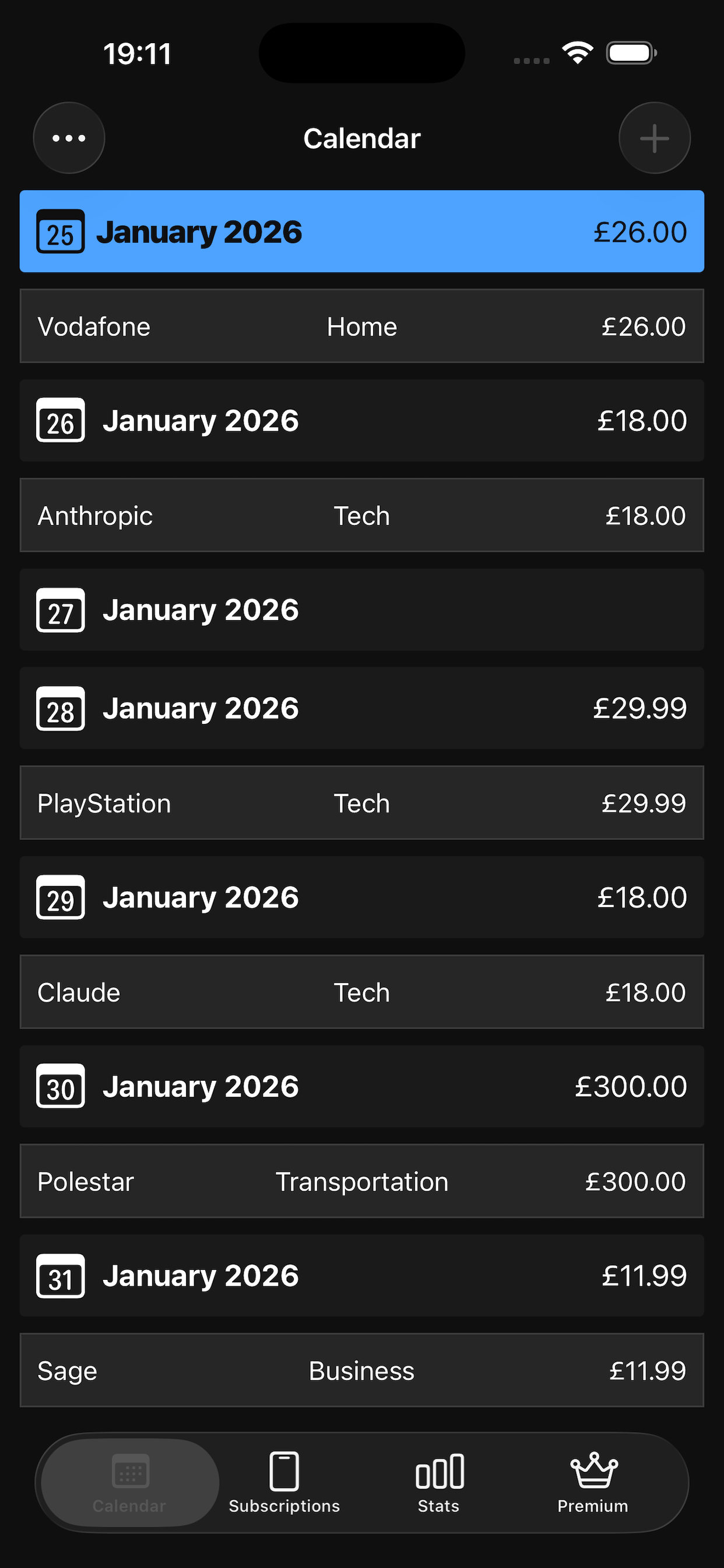
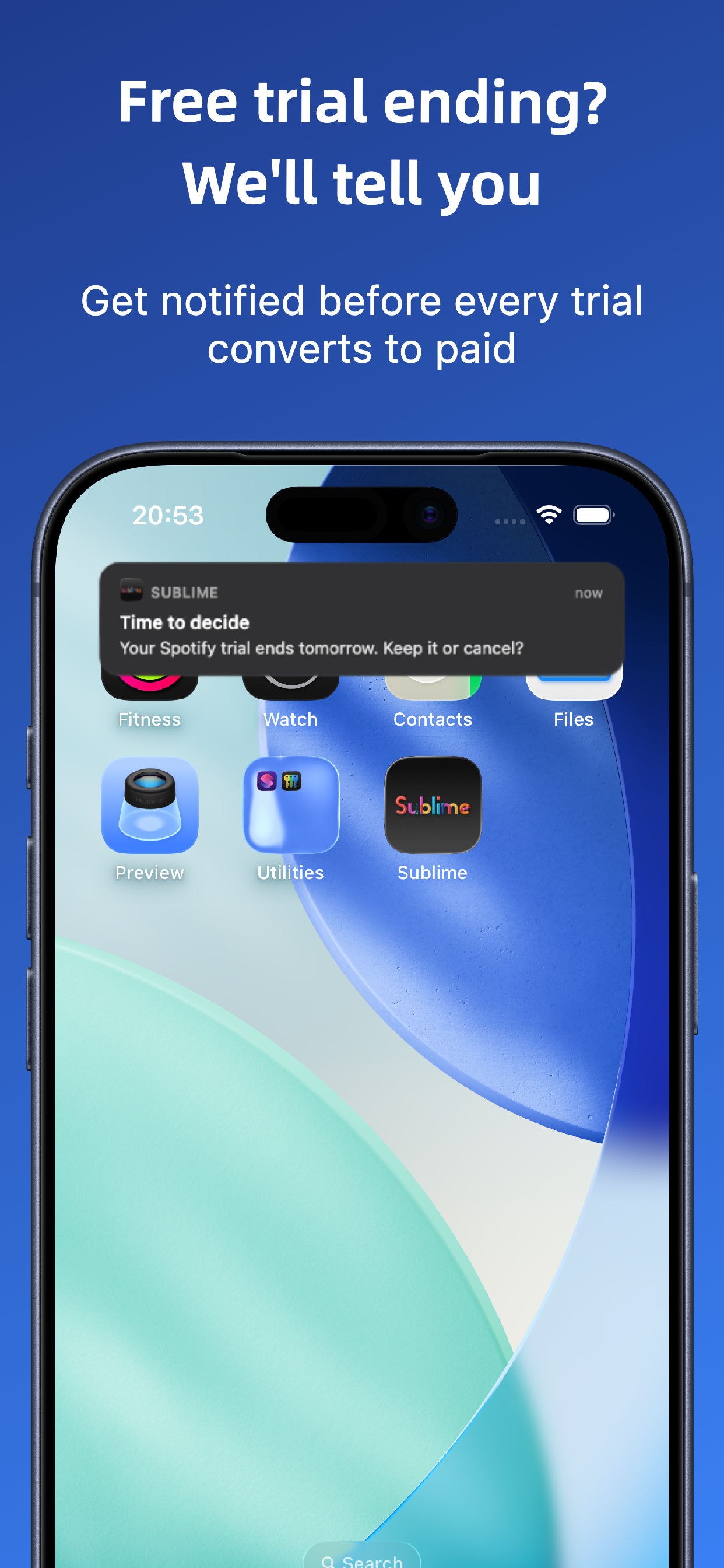
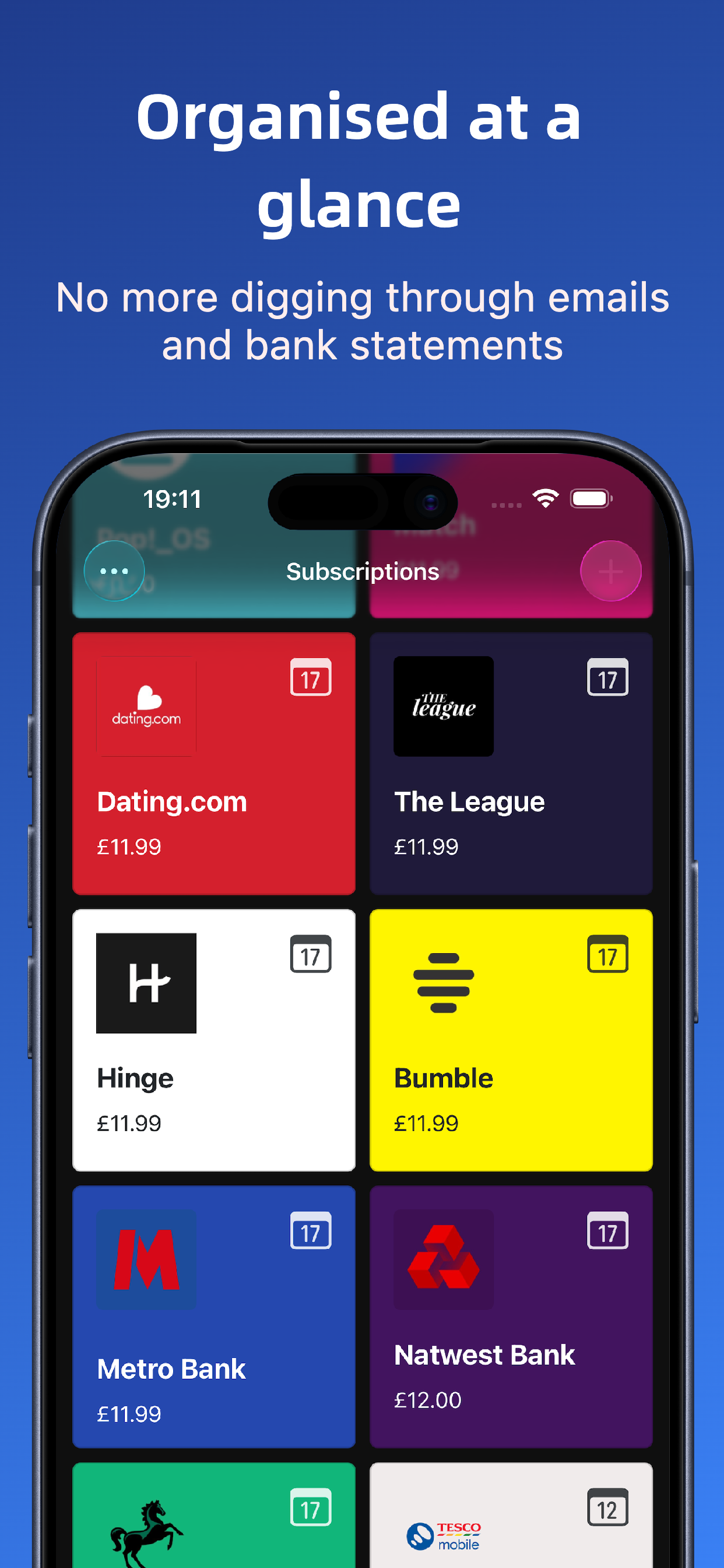
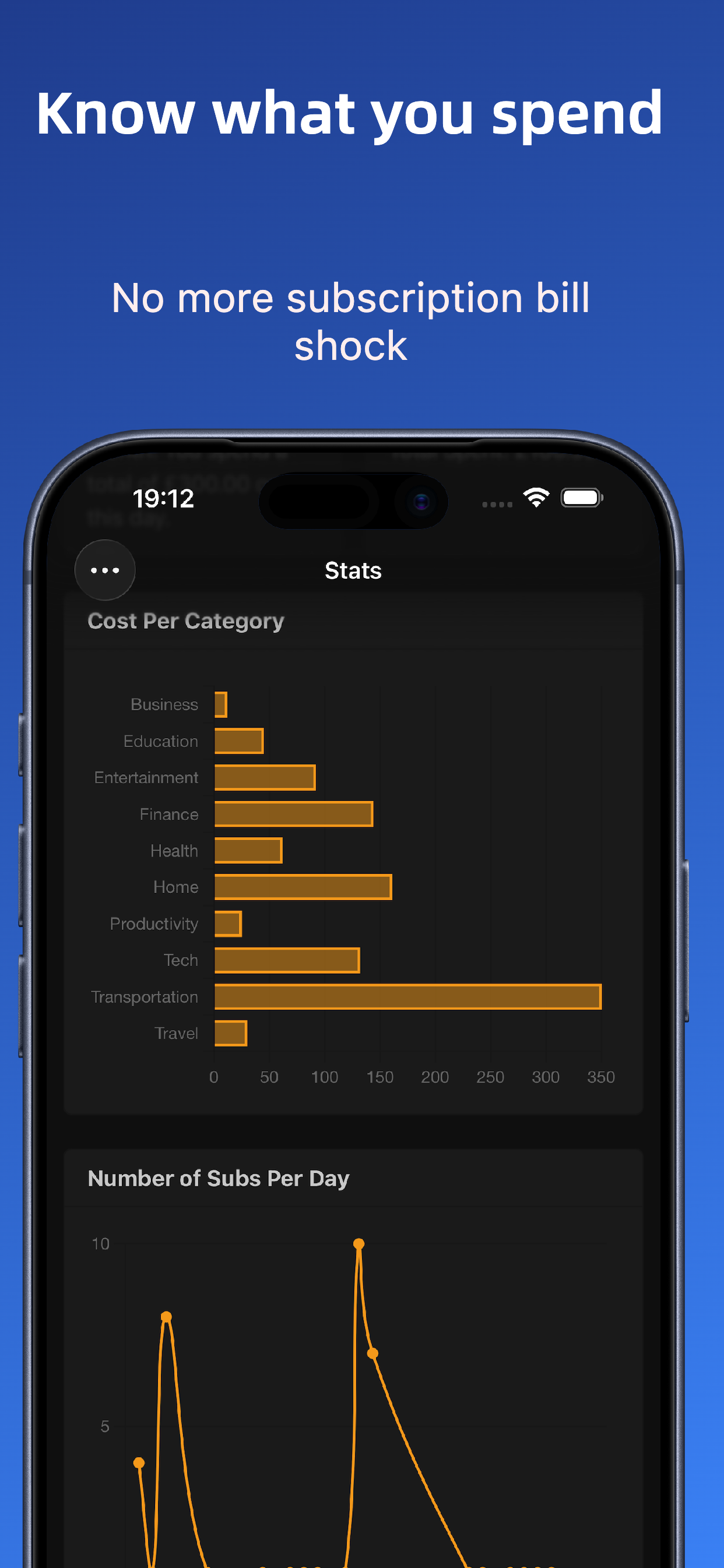
Sublime helps you track recurring services on iPhone, see upcoming renewals and set reminders before free trials end. Add subscriptions manually or use photo import from bank statements and receipts with Premium. Sublime does not connect to your bank or App Store.
To audit recurring charges, compare your statements and receipts with the subscriptions in Sublime. Then cancel services you no longer use directly with each provider.

A clean, powerful subscription tracker built for iPhone
Review your statements, receipts and subscription lists. Record each service's renewal date and cost, then decide what to keep or cancel.
| Feature | What it does |
|---|---|
| Renewal calendar | Shows upcoming renewal dates |
| Trial reminders | Reminds you before a free trial ends |
| Subscription list | Keeps recurring services in one place |
| Spending stats | Shows monthly and annual subscription spending |
| Photo import (Premium) | Helps add details from a bank statement or receipt |
Sublime does not connect to your bank account or App Store. Subscription details stay on your device. You can enter details manually or use photo import from a bank statement or receipt with Premium.
Add recurring services such as streaming, software, gym memberships, news, cloud storage and mobile apps. Sublime is designed for subscriptions you want to track on your iPhone, including ones billed outside an app store.
Sublime is free to download. Premium is available for £9.99 per year or a £29.99 one-off payment.
Share this page
Use Sublime's renewal calendar, trial reminders and spending stats to keep recurring costs in view. Download Sublime on the App Store.