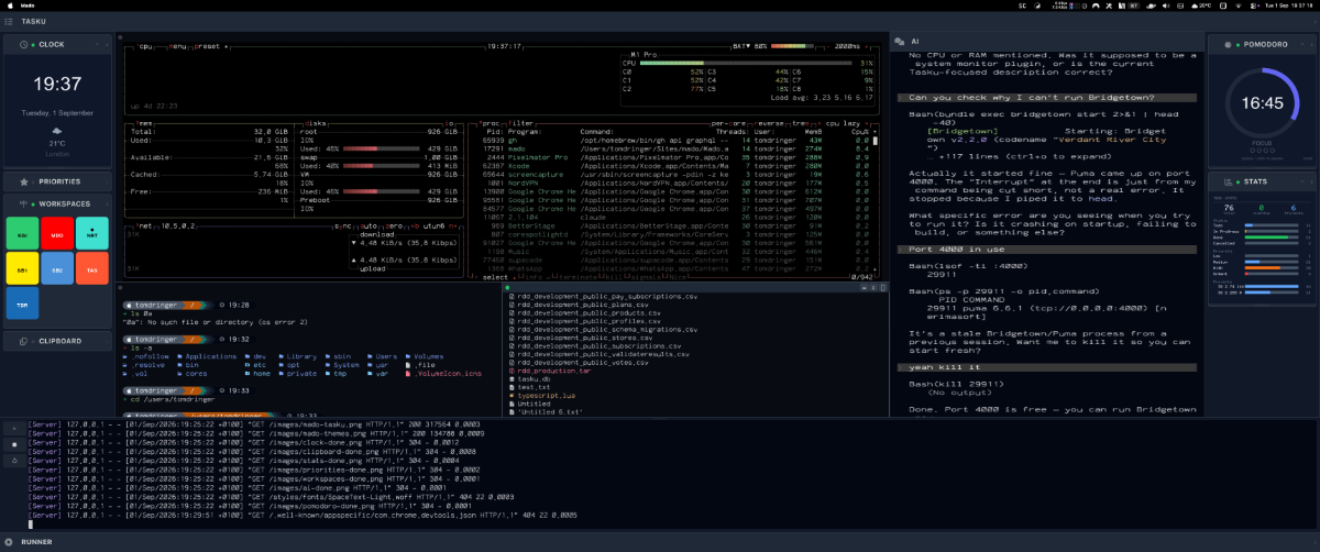
Native. Keyboard-driven. Open source.
Split panes efficiently on macOS and Linux with Mado: Cmd+D vertical, Cmd+Shift+D horizontal, Cmd+Opt+Arrows to move, Cmd+W to close. A native macOS and Linux tmux alternative with sidebar plugins and 22 themes, free and open source.




On macOS, split panes in Mado with Cmd+D for vertical or Cmd+Shift+D for horizontal. Use Cmd+Opt+Arrow keys to switch panes and Cmd+W to close one.
Cmd+D - split vertical; Cmd+Shift+D - split horizontalCmd+Opt+Arrows - move between panes; Cmd+W - close paneCmd+/ - show all shortcutsDivide your workspace with Cmd+D (vertical) or Cmd+Shift+D (horizontal). Jump between panes with Cmd+Opt+Arrows. Close with Cmd+W. Every split layout is saved per project and restored exactly as you left it.
Every action in Mado has a keyboard shortcut. Toggle sidebars, switch between panes, open plugins, show the help overlay — all without lifting a hand from the keys. Built for developers who already use tmux, Neovim, or Helix and don't want to slow down for a mouse.
Switch between twenty-two hand-crafted themes built on Tailwind CSS palettes — Slate, Indigo, Emerald, Rose, Amber, and more. Each theme coordinates the terminal colours, focus indicators, sidebar chrome, and toolbar into a cohesive look. One line in your config to change everything.
Extend Mado's sidebar with plugins written in any language. Each plugin renders its own pixel frame — no web views, no Electron overhead. Mado ships with nine built-in plugins — Clock, World Time, Pomodoro, Timer, Clipboard History, Memory, Tasku Stats, Priorities, Workspaces, and News Feed — plus a Claude AI assistant panel, all ready to use out of the box.
Built-in Integration
Mado ships with first-class support for Tasku — NerimaSoft's terminal task manager. Your tasks, projects, priorities, and workspaces live in the left sidebar, always a glance away without interrupting your flow.
Switch between projects in the Tasku panel and Mado switches with you — restoring the exact pane layout you had open for that project. Your terminal workspace and your task list stay in sync, automatically.
Tasku is free, open source, and installs in seconds. If you're already using it, Mado picks it up immediately. If you're not, there's no better place to start.
Learn about Tasku →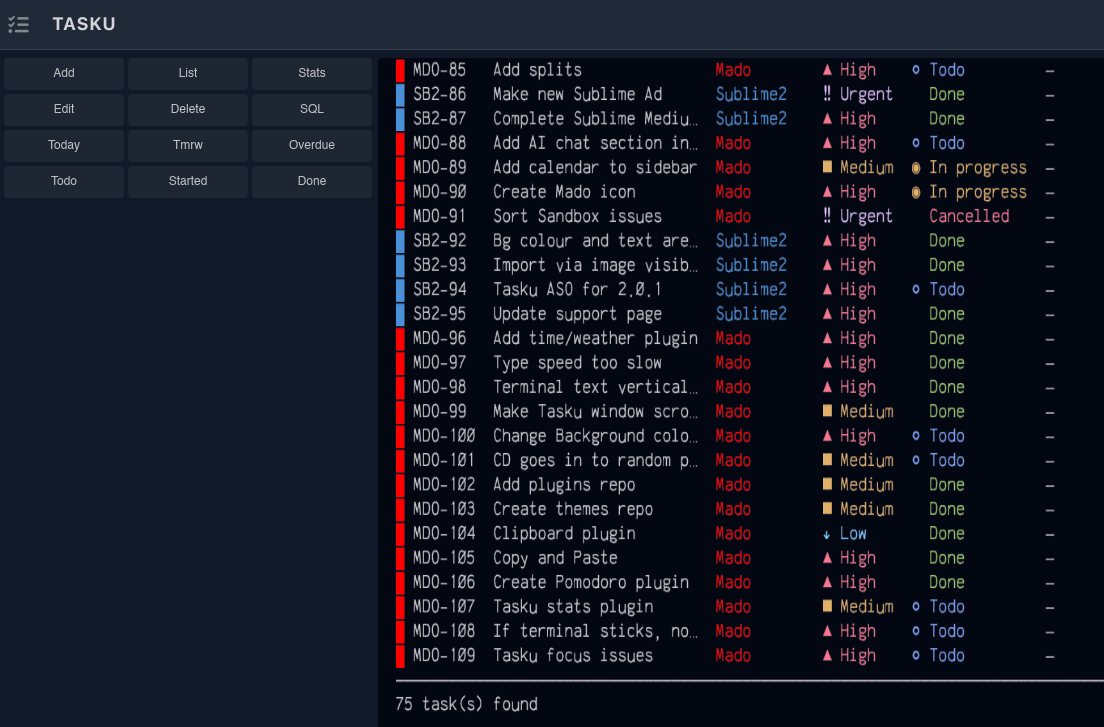
Most terminal tools make you hunt through nested directories, manually edit JSON, or memorise config paths you'll never remember next week. Mado takes a different approach.
Run mado config and your configuration opens instantly in $EDITOR — the same editor you already use for everything else. It's a single TOML file: set your theme, choose your font, define your shell, and declare which plugins you want in which sidebar. That's it. No subdirectories, no schema to look up, no restart dance.
The same goes for themes. Drop a .toml file into ~/.config/mado/themes/ and it appears in the theme list automatically. Plugins work the same way — point the config at an executable and Mado handles the rest. Simple conventions over complex infrastructure.
Run mado config to open this in your editor. Changes take effect on next launch.
Mado ships with twenty-two themes — one for every mood, project, or client. Each theme is more than a colour swap: the terminal foreground and background, the sidebar chrome, focus borders, toolbar tints, and active indicators are all coordinated so the interface feels deliberate rather than patched together.
Themes are built on Tailwind's colour palettes, so they're perceptually balanced and readable at any font size. Prefer something completely custom? Create a .toml file in ~/.config/mado/themes/, define your colours, and Mado picks it up automatically — no restart, no rebuild, just a file.
Switch themes with a single line in your config. Everything — the terminal colours, the sidebar, the focus ring — updates at once.
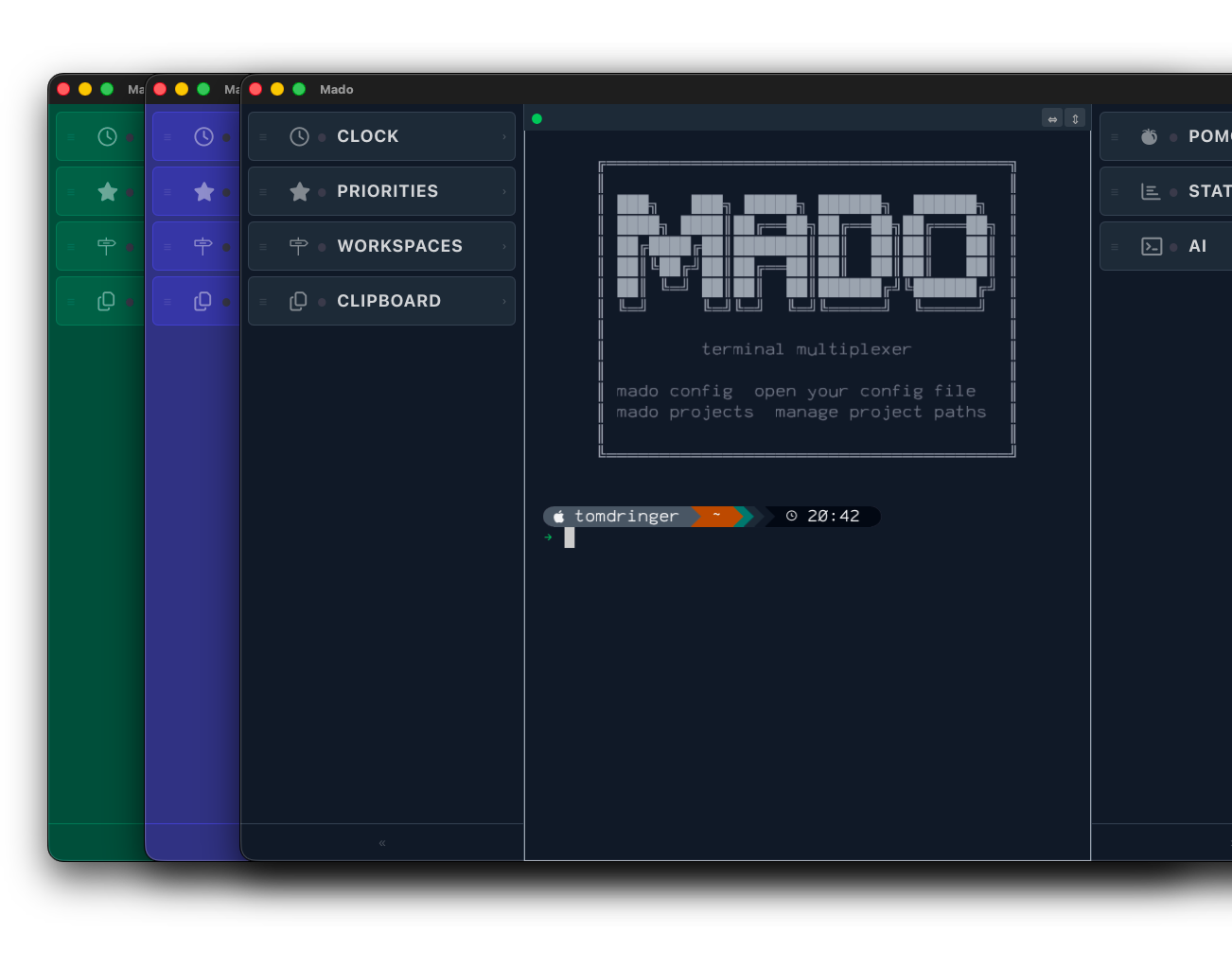
Mado's sidebar doesn't just show a file tree and call it done. It runs fully independent plugins — each a small program that draws its own UI and reacts to keyboard and mouse input.
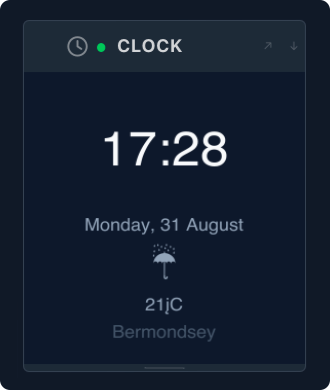
A clean, full-width clock that sits above the sidebar. At a glance, always visible, never in the way.
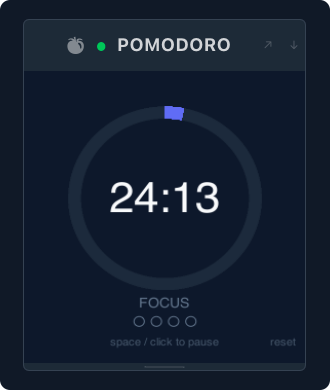
Start a 25-minute focus session with a keypress. The timer counts down in the sidebar so you stay aware without switching apps.
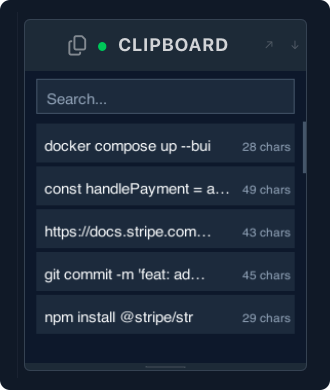
Every item you copy is captured and searchable. Click an entry to paste it directly into the active pane — no external clipboard manager needed.
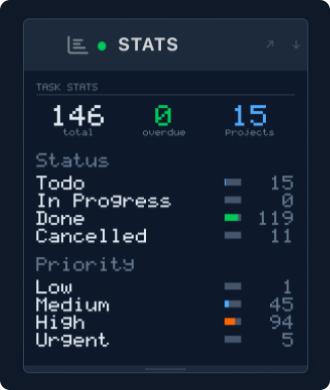
At-a-glance Tasku project stats in the right sidebar — tasks by status, priorities, and project health. Your work data, right where you're already looking.
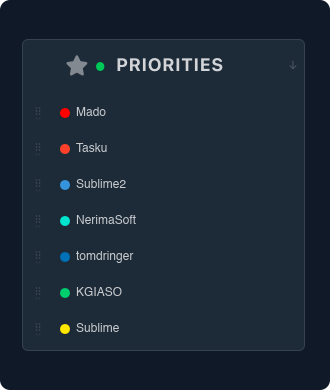
Drag your projects into priority order in the sidebar. Keep your highest-priority work front and centre — a quick visual reminder of what actually matters today.
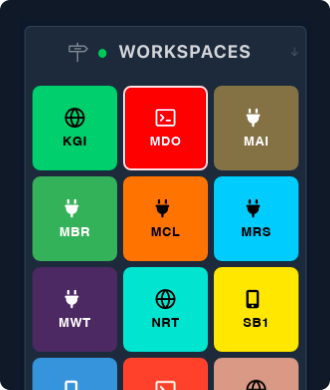
Your Tasku projects displayed as colour-coded tiles in the sidebar. One click switches your active project — Mado restores the exact pane layout you had open last time, instantly.
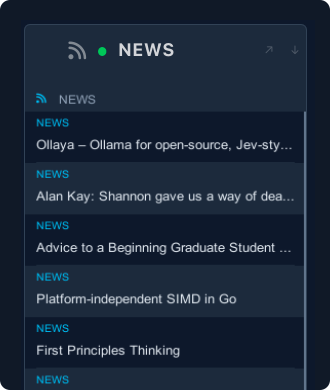
Stay on top of the web without leaving your terminal. The News plugin pulls in RSS and Atom feeds and lets you open articles in the Mado browser panel in one keystroke.
Any executable that speaks the Mado plugin protocol becomes a sidebar panel. Write in Rust, Python, Go, Ruby — whatever you're comfortable with. Plugins render raw pixel frames, so your UI is limited only by your imagination.
Developers choose Mado over tmux because split panes, focus navigation and session persistence are first-class shortcuts with no prefix keys to learn. Most modern terminal emulators are built on Electron with a full Chromium engine. Mado is different. It's a native macOS and Linux application written in Rust with a Slint UI layer — no browser engine in sight. It starts in milliseconds, uses a fraction of the memory, and renders at 60fps.
The multiplexer model is familiar if you've used tmux or GNU Screen, but Mado doesn't require you to learn a modal command language or remember prefix key sequences. Split panes, focus navigation, and session management are all first-class keyboard shortcuts — discoverable with Cmd+/ at any time. If you can learn Cmd+D to split and Cmd+W to close, you already know enough to be productive.
Workspace persistence is built in. When you switch projects in the sidebar, Mado parks the current layout — all panes, their working directories, and their scroll positions — and restores it when you come back. No manual session saving, no tmux-resurrect, no lost context. Your work is exactly where you left it, every time.
The plugin system exists because a terminal multiplexer lives on screen all day. If you're going to give it that prime real estate, it should earn it. Rather than baking in a file tree or a fuzzy finder and calling it done, Mado lets you put whatever you actually use in that sidebar space — and lets you write it in whatever language you know best.
Mado is a tool for people who are already productive in the terminal and want a multiplexer that gets out of the way. No accounts. No cloud sync. No telemetry. Mado is open source and free — the code is on GitHub, and it always will be. Just a fast, configurable terminal multiplexer that runs on your machine.
mado config..toml file to ~/.config/mado/themes/.Share this page
Mado launches in public beta on October 1st. It's open source and free — leave your email and we'll let you know the moment it's available. Nothing else, no newsletters, no noise.
One email. No spam. Unsubscribe any time.
Mado is free and open source. If it saves you time, consider sponsoring its development.
♥ Sponsor on GitHub