Mado & Tasku October 2026 Release
October 28, 2026
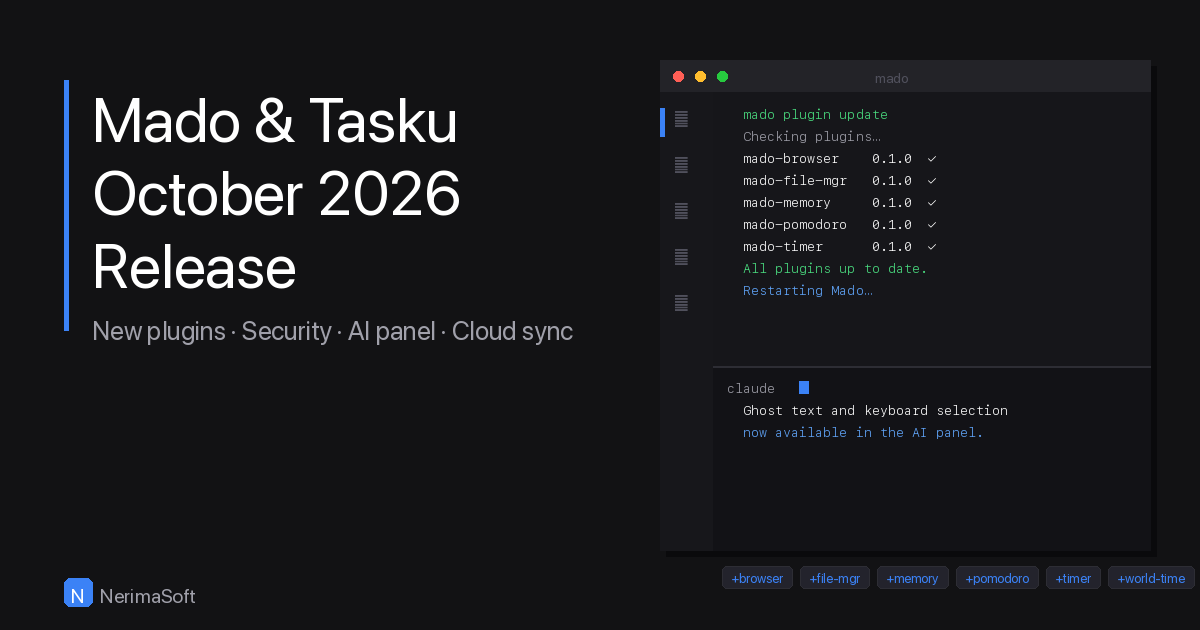
October has been a productive month. Mado and Tasku both ship significant updates today, and five new sidebar plugins land at the same time (A new file manager and 4 with fixes/new features). Here is a full breakdown of everything that changed.
Mado
Security
Two security improvements land in this release. Plugin install and update now verify SHA256 checksums before executing any downloaded binary — a mismatch rejects the download and removes the temp file immediately. If a plugin maintainer has not published a checksum, Mado prints a warning rather than silently proceeding. Release builds now also use --locked, which enforces exact dependency versions from Cargo.lock and prevents supply chain attacks via malicious compatible dependency releases during CI resolution.
Native browser panel
Two persistent bugs with the native browser panel are fixed. Clicking the URL bar or page content now works correctly — focus was being restored to Slint on every render tick, immediately cancelling any keyboard input directed at WKWebView. The same fix resolves the white-page-on-first-open issue, where continuous first-responder stealing was interrupting WKWebView navigation before it could complete.
Compact bars
The top bar, bottom bar, and sidebar section headers are now more compact. Strip height has been reduced from 52 px to 36 px, titles use 11 px semibold with wider letter-spacing, and icons are proportionally smaller. This matches macOS sidebar conventions and gives terminal panes noticeably more vertical space.
New config options
-
Transparent panes — a new
transparent_paneskey in~/.config/mado/config.tomllets you switch from the default glassy (~47% opacity) pane background to a solid one. Set it tofalseto opt out. Hot-reloadable, so no restart needed. -
Project URL — projects in
projects.tomlnow accept aurlkey. When set, a globe button appears in the runner sidebar; clicking it opens the URL in the native browser panel and clicking again closes it. The button lights up while the panel is open. -
mado projectsCLI command — opens~/.config/mado/projects.tomlin your editor directly. Also accessible asmado config projects.
AI panel improvements
The AI panel (mado-claude) receives several quality-of-life improvements this release.
- Keyboard text selection — Shift+Arrow, Shift+Home, and Shift+End now extend a selection from the cursor without touching the PTY. The virtual cursor moves to the selection edge and is shown in the render.
- Right Arrow flash — pressing Right Arrow to accept ghost text briefly highlights the accepted characters, then auto-clears after ~200 ms.
- Ghost text dimming — SGR 2 (dim) is now tracked per-cell and the foreground is blended toward the background at render time, making ghost text visually distinct from normal output.
-
Copy fix — text selection, copy (Cmd+C), and paste (Cmd+V) now work correctly.
selection_textwas reading from the main screen buffer instead of the active screen, so when Claude's TUI is on the alt screen the extracted text was always empty, causing Cmd+C to fall through and send ^C to the PTY instead of copying.
Tasku
Auto git branch checkout
When a task is set to in_progress via tasku edit ID --status in_progress, Tasku now automatically creates and checks out a git branch named CODE-ID-name-slug in the linked repo. If the branch already exists it switches to it instead. Configure with tasku git link CODE PATH, remove with tasku git unlink CODE, and inspect with tasku git list. If you have multiple projects and you work with pull requests, you'll know what a life saver this is.
Confirm before delete in Mado
Pressing d in the interactive Mado task list now shows a confirmation prompt before deleting. Press y to confirm, or any other key to cancel.
Security
All system() and exec() calls in MadoList now use the array form via Shellwords.shellsplit instead of a shell string. This prevents shell interpretation of metacharacters in command arguments.
New plugins
Five new Mado sidebar plugins launch today alongside the core updates.
mado-browser
A full WKWebView pixel plugin for the Mado sidebar. Renders any web page with a native injected nav bar overlay, a keyboard-accessible URL bar, and Retina-aware snapshot rendering.
mado-file-manager
A keyboard-driven file manager in the sidebar. Features a collapsible file tree with folder expand/collapse, file type icons using Nerd Font glyphs with per-type colours, and keyboard shortcuts for rename, delete, new file, and new folder. The tree root updates automatically on workspace switch via chdir tracking, and files can be opened via the MACT open_file action.
mado-memory
A live system stats panel showing CPU usage with a sparkline history graph, RAM usage with a trend delta, and the current Mado process uptime.
mado-pomodoro
A Pomodoro timer plugin with phase-complete notifications routed through Mado via the MACT notify action.
mado-timer
A workspace billing timer that tracks billable time per workspace. Sessions persist in ~/.config/mado/timers/<PROJECT_CODE>.json and the timer auto-pauses when Mado switches to a different workspace.
mado-world-time
Displays four configurable world city times with a day/night indicator, date, and city name.
Plugin updates
mado-clipboard 0.1.1
Fixes a panic when truncating clipboard entries containing multi-byte UTF-8 characters. String slicing now splits on character boundaries.
Installing and updating
Install any plugin with mado plugin install <name>. Update all installed plugins with mado plugin update. Mado restarts automatically after an install or update.
Share this article