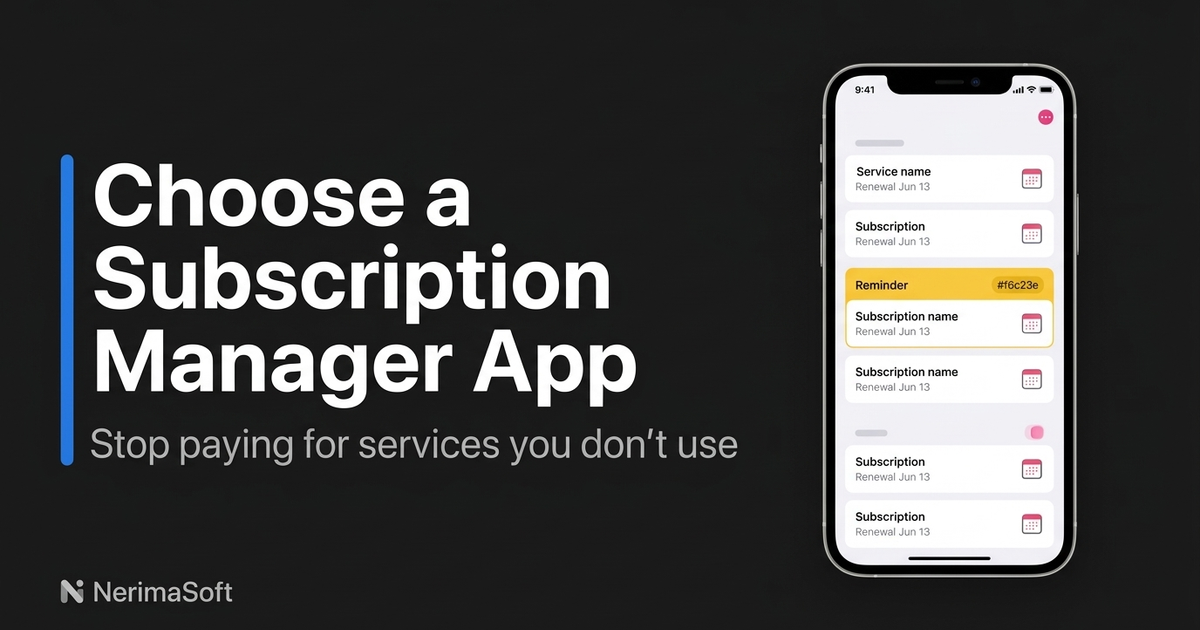
Tracking subscriptions on an iPhone is easier when you separate Apple billing from everything else. iPhone Settings only shows subscriptions billed through the App Store and your Apple Account; it does not automatically know about a streaming service, SaaS plan or membership paid on a company's website. A complete inventory therefore needs both the native Apple list and a private way to record external bills.
Three ways to track subscriptions on iPhone
Each approach trades convenience for privacy and coverage. Use the comparison below to choose a starting point, or combine Apple ID Settings with an offline tracker.
| Method | What it covers | Strengths | Limitations |
|---|---|---|---|
| Apple ID Settings | App Store and Apple-billed subscriptions | Built in, accurate renewal dates, quick cancellation | Does not include subscriptions bought directly from the web |
| Cloud Budgeting Apps | Accounts and transactions imported from connected providers | Automatic categorisation and dashboards | Requires bank linking, account access and trust in a cloud service |
| Offline Tracking Apps | Apple subscriptions plus manually recorded external bills | Local-first privacy, reminders and flexible notes | Needs a short setup and occasional manual review |
| Manual Spreadsheets | Anything you enter yourself | Portable, familiar and fully controlled by you | More work to maintain and easier to overlook reminders |
1. Audit subscriptions in iOS Settings
Start with Apple's own list. Open Settings > Your Name > Subscriptions (Apple Support may display the path as Settings > [your name] > Subscriptions). Review active, expired and trial subscriptions, and open each item to check its price, renewal date and cancellation options. This is the authoritative place to manage App Store billing, but it is only one part of the audit.
Save the renewal date and billing interval for every active item. Also check family purchases or other Apple Accounts where relevant. If you cannot find a charge in this list, do not assume it is not a subscription; it may have been purchased from the provider directly.
2. Find external charges in statements and email
Review twelve months of bank or card statements to find recurring merchant names, even if you do not link the account to a budgeting service. Then search your inbox for phrases such as trial ending, invoice and renewal. Search results often reveal annual plans, domain tools, memberships and subscriptions paid on the web that never appear in iPhone Settings.
A statement shows that money moved; the receipt or provider account explains why. Keep both pieces of evidence before deciding whether a charge is recurring.
3. Keep a private, offline-first inventory
An offline-first tracking app can hold the unified list without requesting bank credentials. Record the service, amount, currency, billing interval, next renewal, cancellation link and a short note about where you found it. Local renewal calendars, trial reminders and spending stats make the list useful without sending financial history to a server.
When a statement is a photo or PDF, Sublime photo import can help capture the relevant statement sections. Review the imported text before saving it, redact unrelated details, and store only what you need to identify the charge. This gives you the convenience of importing evidence while keeping the subscription inventory local-first.
On iPhone, reminders can be scheduled with UserNotifications and UNCalendarNotificationTrigger. Useful reminders include a trial deadline, a few days before a monthly renewal and two weeks before an annual renewal. Keep notification permissions and calendar settings under your control rather than handing over bank access.
A four-step subscription audit workflow
- Export native subscriptions: record every App Store item, price, interval and renewal date from Apple ID Settings.
- Audit statements: compare twelve months of card or bank statements with inbox searches for trial ending, invoice and renewal messages, then add external charges.
- Set alerts: schedule trial alerts 48–72 hours before the deadline and annual renewal alerts two weeks ahead. For a last-minute safety check, aim to stop trials at least 24 hours prior.
- Prune monthly: remove cancelled services, merge duplicates, update price changes and investigate anything that appeared on a statement unexpectedly.
Frequently asked questions
Why are web subscriptions not in Settings?
Apple Settings lists subscriptions billed through your Apple Account. A plan purchased on a provider's website, through a different app store or directly from a merchant will not appear there, so use statements and inbox searches to find it.
What are the risks of linking a bank account?
Linking can save time, but it gives a cloud budgeting provider access to financial data and transaction history. Offline tracking avoids sharing bank logins and lets you enter only the subscription details you need.
How can I stop a trial charge?
Set an alert 48–72 hours ahead and cancel at least 24 hours before the trial ends, following the provider's cancellation process. Keep the confirmation email or screenshot in your notes.
How can I tell an annual subscription from a one-off licence?
Check the receipt, renewal date and terms. Recurring annual billing normally states the next renewal or ongoing subscription; a one-off licence has no future recurring charge. If the wording is unclear, confirm with the provider before filing it.
Should I do a monthly or annual audit?
Do both: prune the inventory monthly, then perform a deeper annual review of twelve months of statements, receipts and price changes. The monthly check catches drift; the annual check catches forgotten yearly renewals.
Build one trusted subscription list
The most reliable approach is a unified, local-first inventory: Apple ID Settings for native billing, statements and inbox searches for external charges, and private renewal reminders for everything you plan to keep. That combination helps you audit Apple charges and external bills without sharing bank logins, while keeping upcoming renewals visible before they become surprises.