Welcome to NerimaSoft
Building innovative solutions for the modern web and iOS devices
Our Applications
Public Beta — October 1st
Mado
A native macOS terminal multiplexer
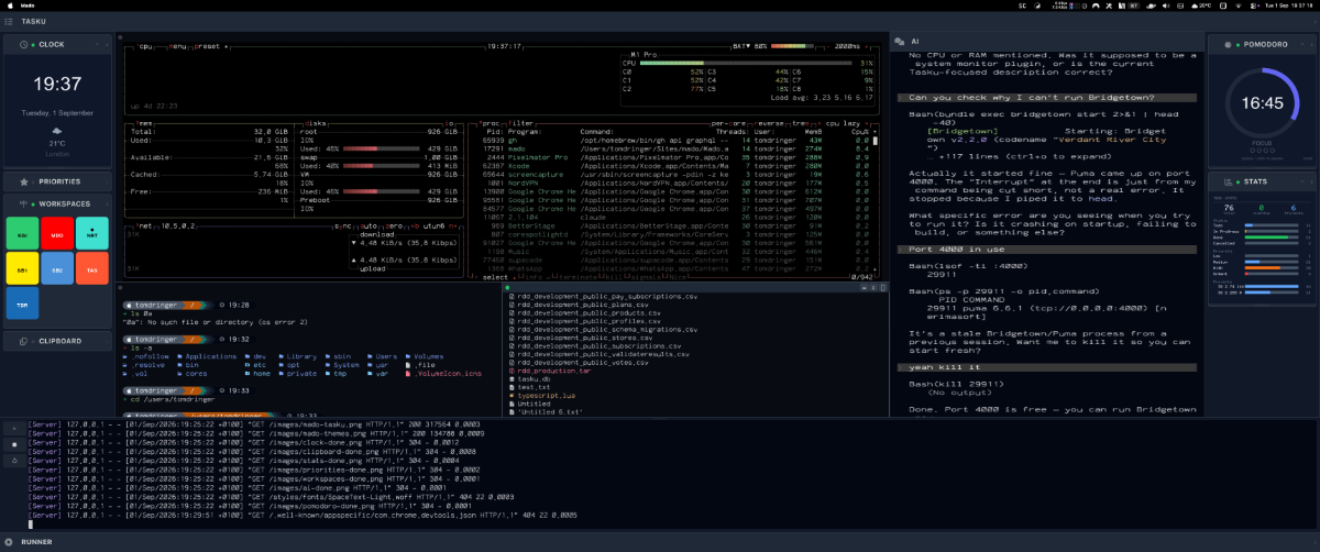
Mado is a free, open-source terminal multiplexer for macOS. Split panes, keyboard-driven navigation, sidebar plugins, and twenty-two built-in themes. Written in Rust — no Electron, no browser engine.
Built-in Tasku integration
Mado ships with first-class support for Tasku — the open-source terminal task manager. Your tasks, projects, and priorities live in the sidebar, always a glance away. Switch projects in the Tasku panel and Mado switches with you, restoring the exact pane layout you had open last time.
Learn more about Mado →
Leave your email and we'll let you know the moment it's available.
One email. No spam. Unsubscribe any time.
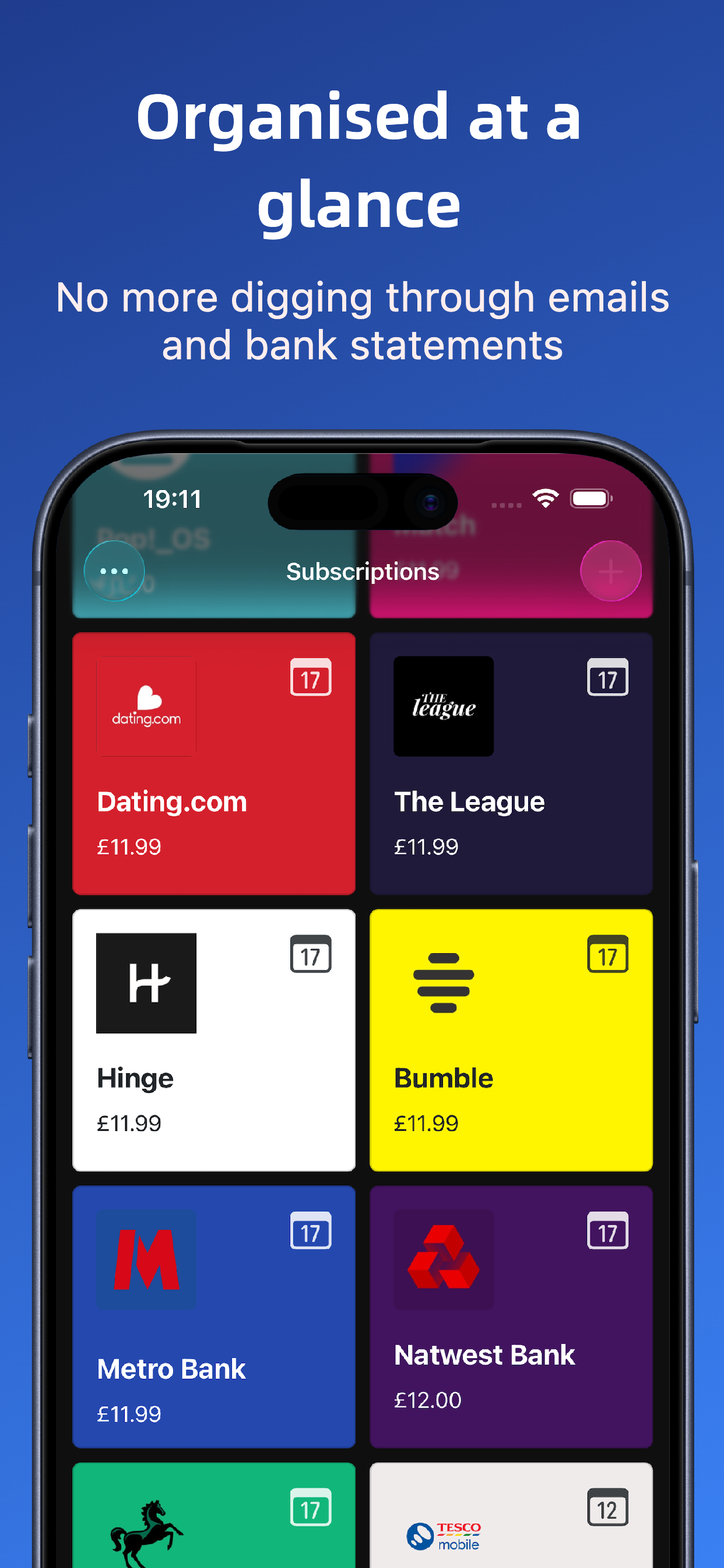
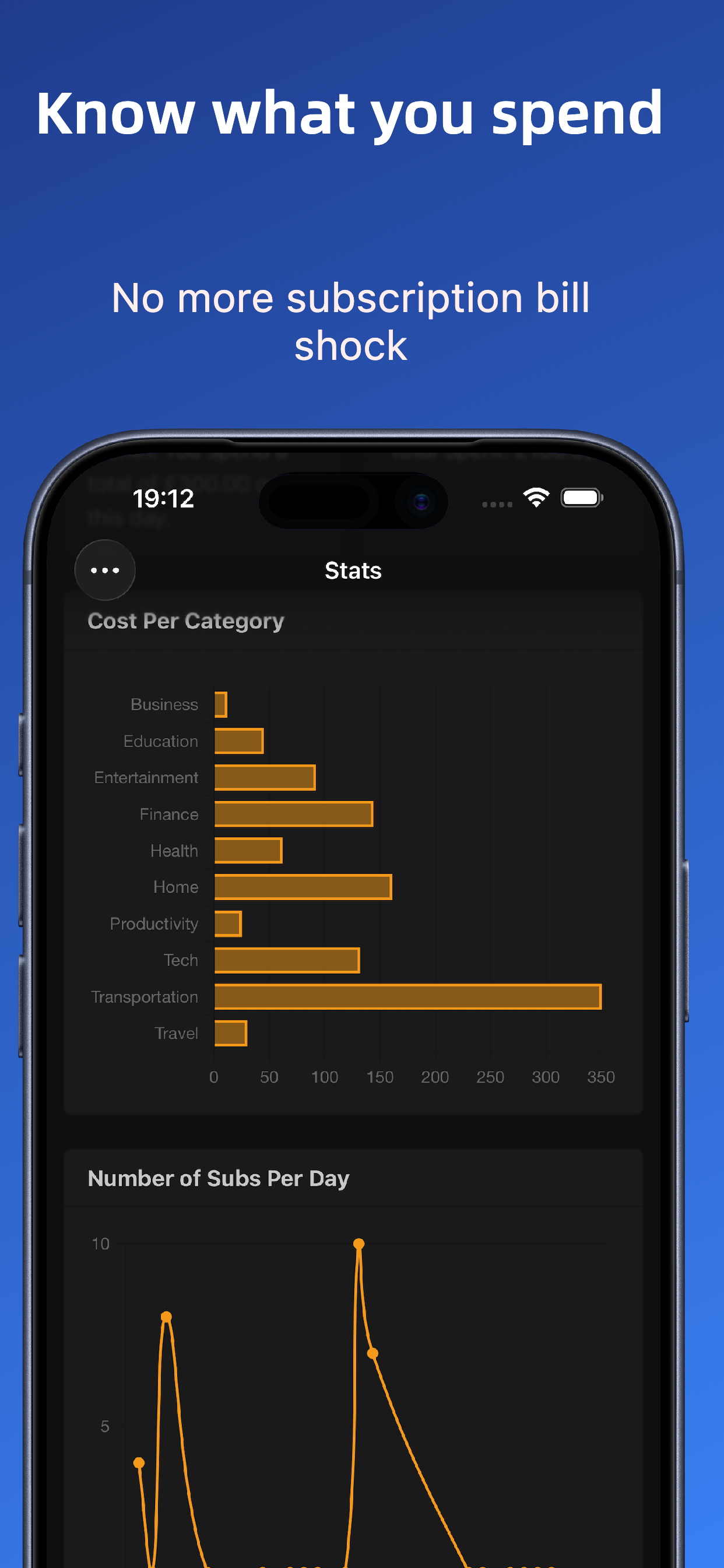
Sublime Subscription Tracker
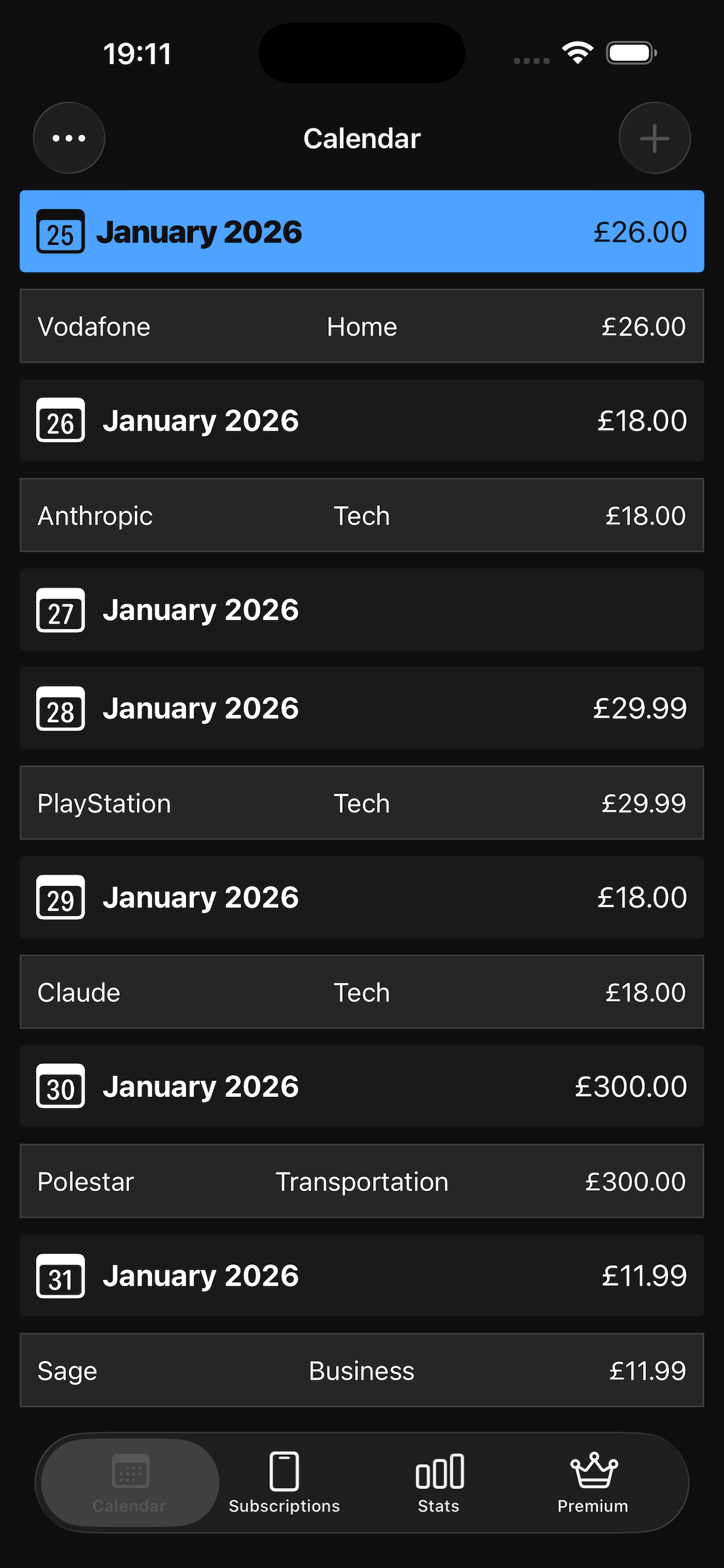
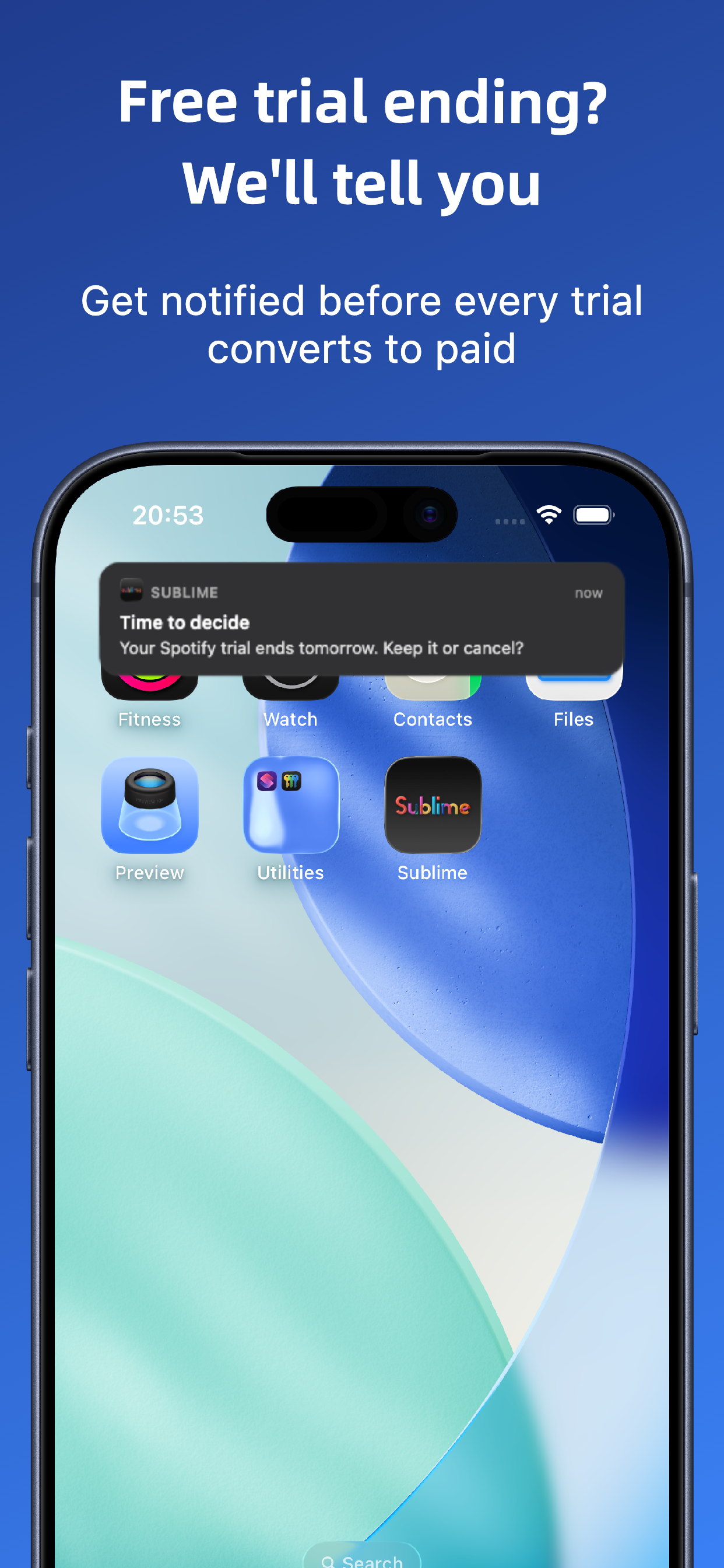
Take control of your subscriptions
Tasku
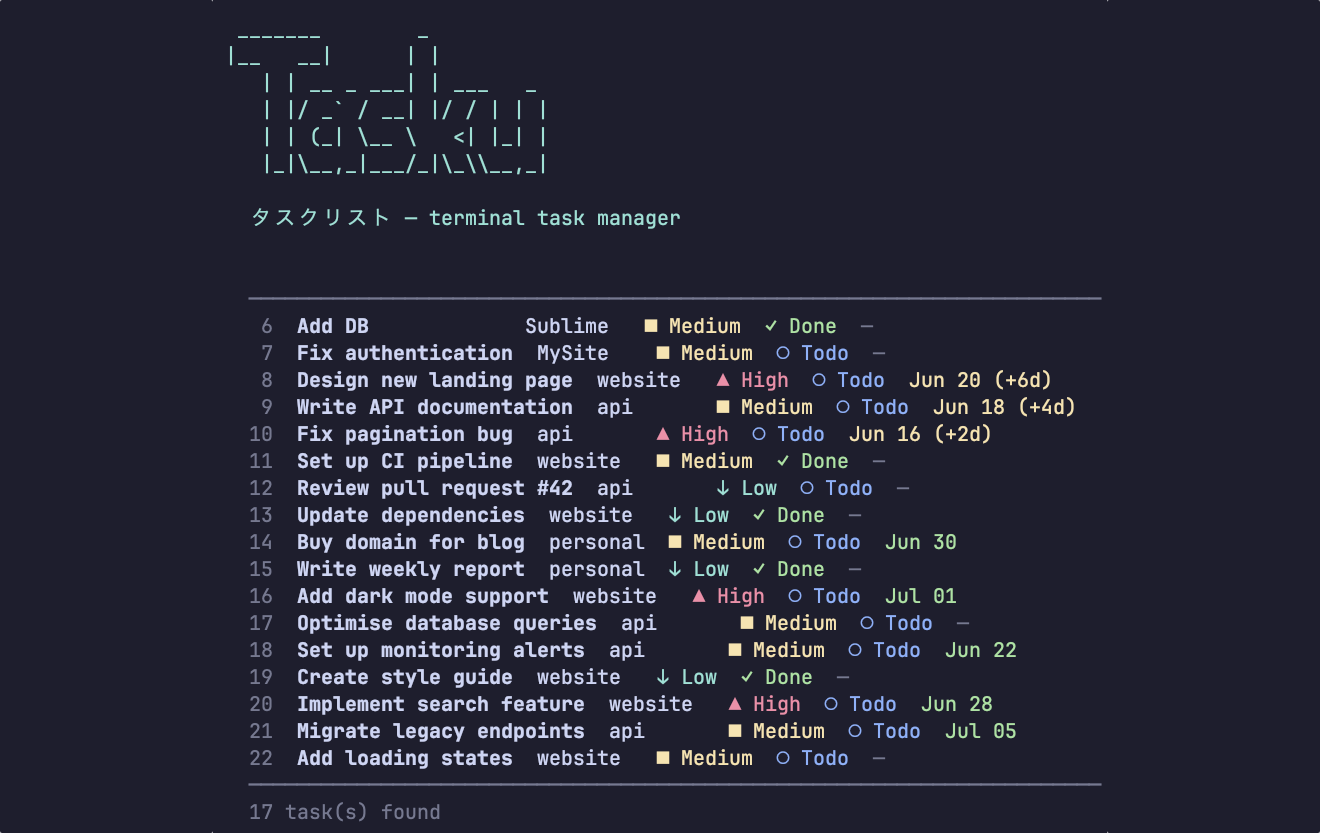
The task manager that lives in your terminal
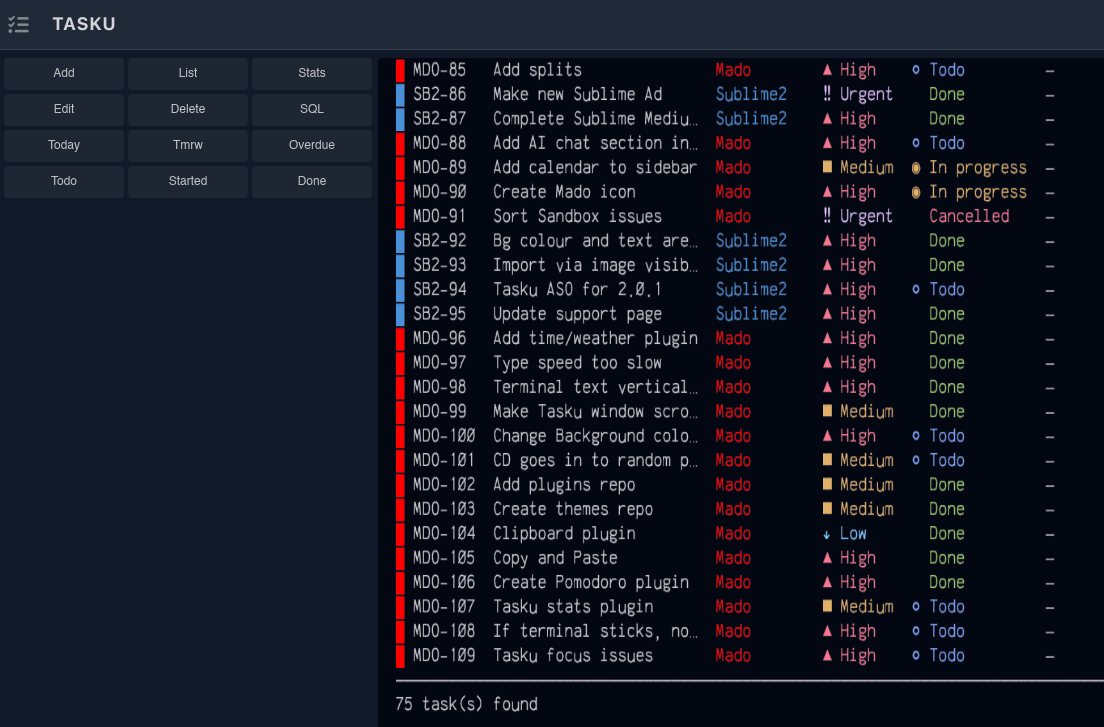
Tasku brings everything you'd expect from a modern task manager — SQL queries, colour-coded projects, priority tracking, and rich statistics — right into your terminal workflow. Now with cloud sync and team collaboration.
Free
For individuals
- ✓ Unlimited tasks & projects
- ✓ SQL query interface
- ✓ Colour-coded projects
- ✓ Priority & statistics
- ✓ Cloud sync & backup
- ✓ Access to Tasku Cloud
- ✓ Mado sidebar integration
Get started →
Teams
For collaborative work
- ✓ Everything in Free
- ✓ Shared projects & tasks
- ✓ Team member assignments
- ✓ Activity feed
Learn more →
Nerima
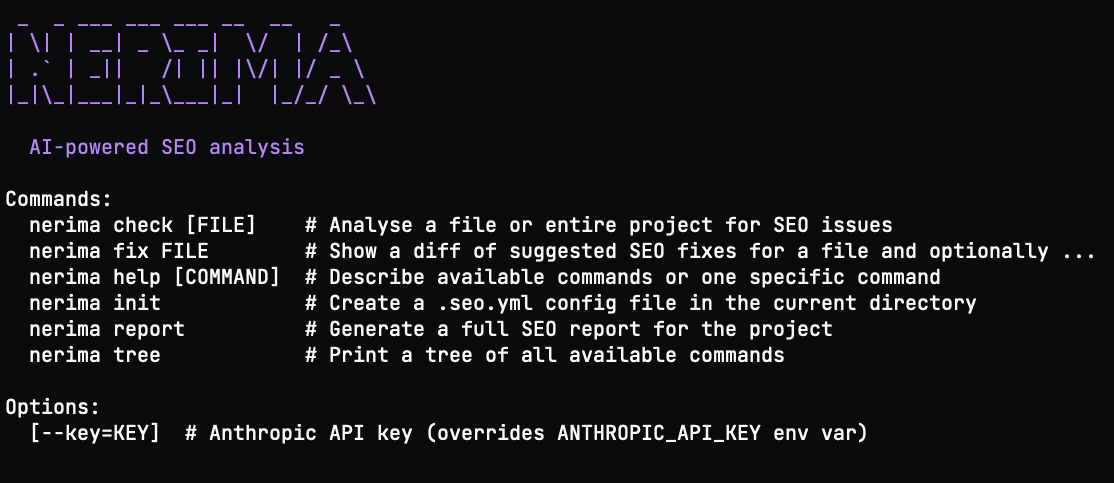
SEO advice without leaving your terminal
Nerima runs inside your IDE terminal, scans your template pages, and tells you what to fix. No browser tabs, no dashboards — just straightforward SEO feedback where you're already working.